Updated over 2 months ago
Go to Company.
Click on Documents.
View and manage all documents in the Company.
You can filter documents by Division.
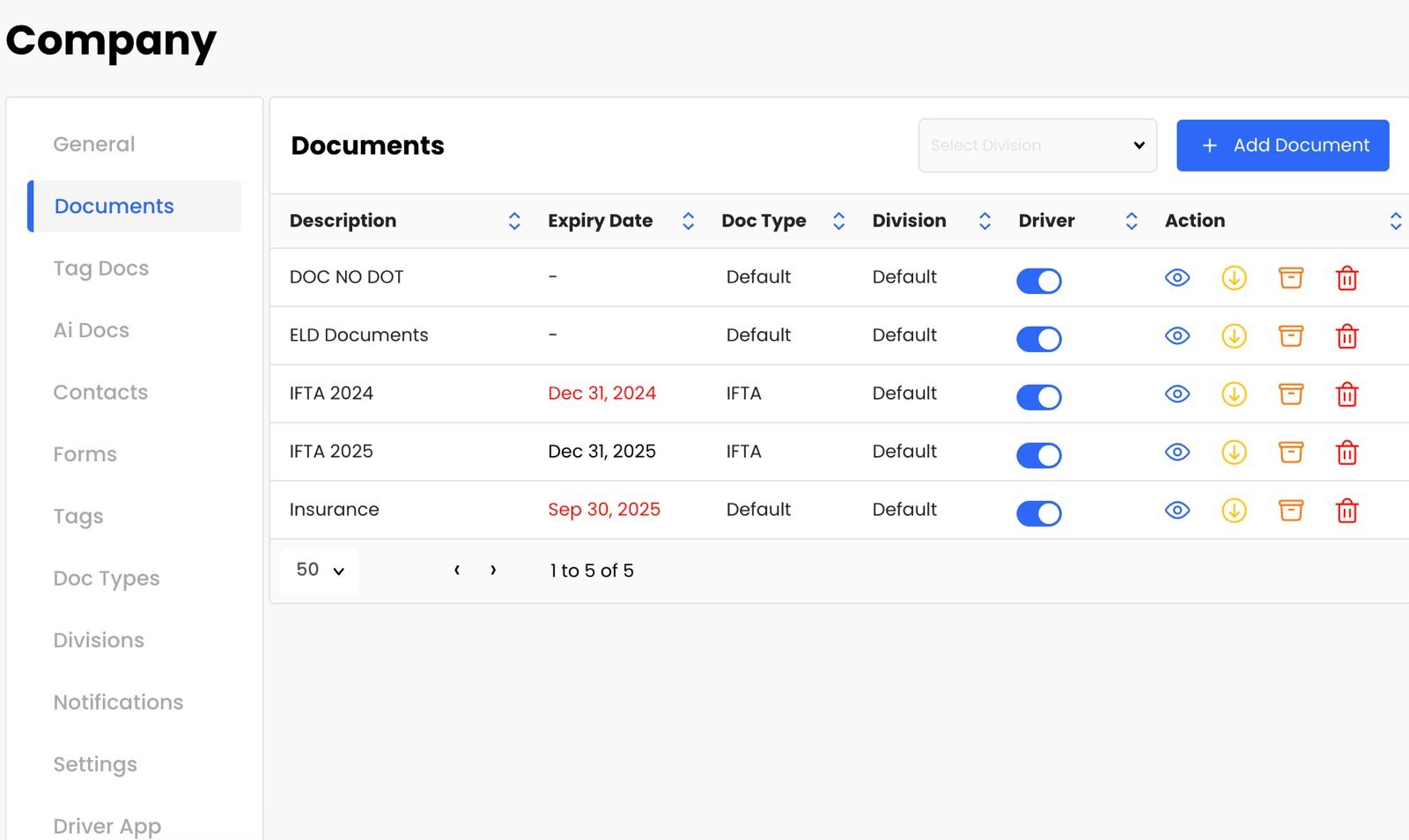
Add documents by:
Selecting Date (default = today)
Setting Expiry Date if needed
Selecting Division
Choosing Document Type
Clicking Save
