Thank you for choosing to install digital permit book through your Geotab order now. Here we will give you a few basic steps on how to get started.
Once you place your order now, your add-in will be automatically installed. If you click on DPB Admin, and you get a message that your database is not installed yet.
You will first need to add a service user to your account so we can access your database and we can start syncing the data over.
You will need to send service account details to [email protected]
Once your account is all set up, we will send you an email to notify you.
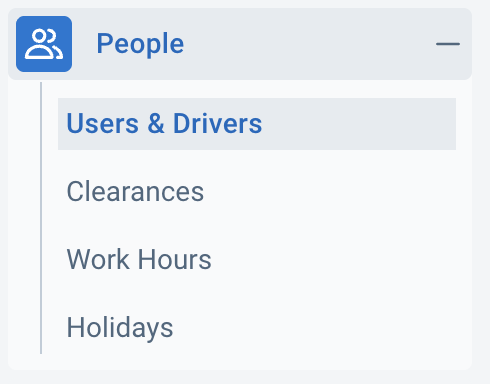
Go to Geotab→ People.
Go to Users & Drivers.
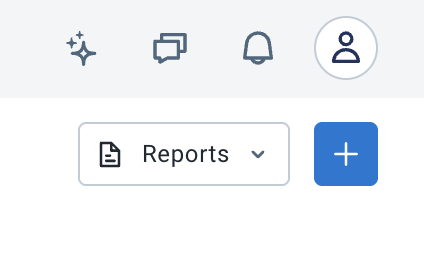
Go to top right, and click +.
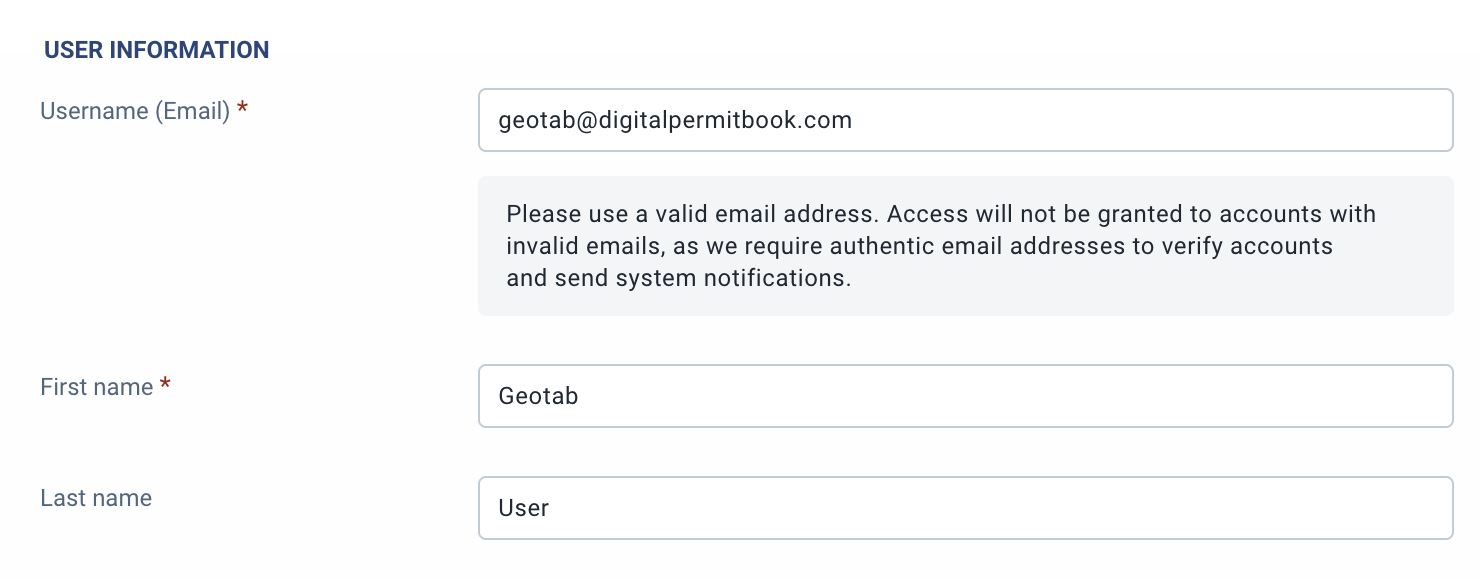
You will need to add details for service user.
Username(Email) Enter: [email protected]
First Name: Geotab
Last Name: User
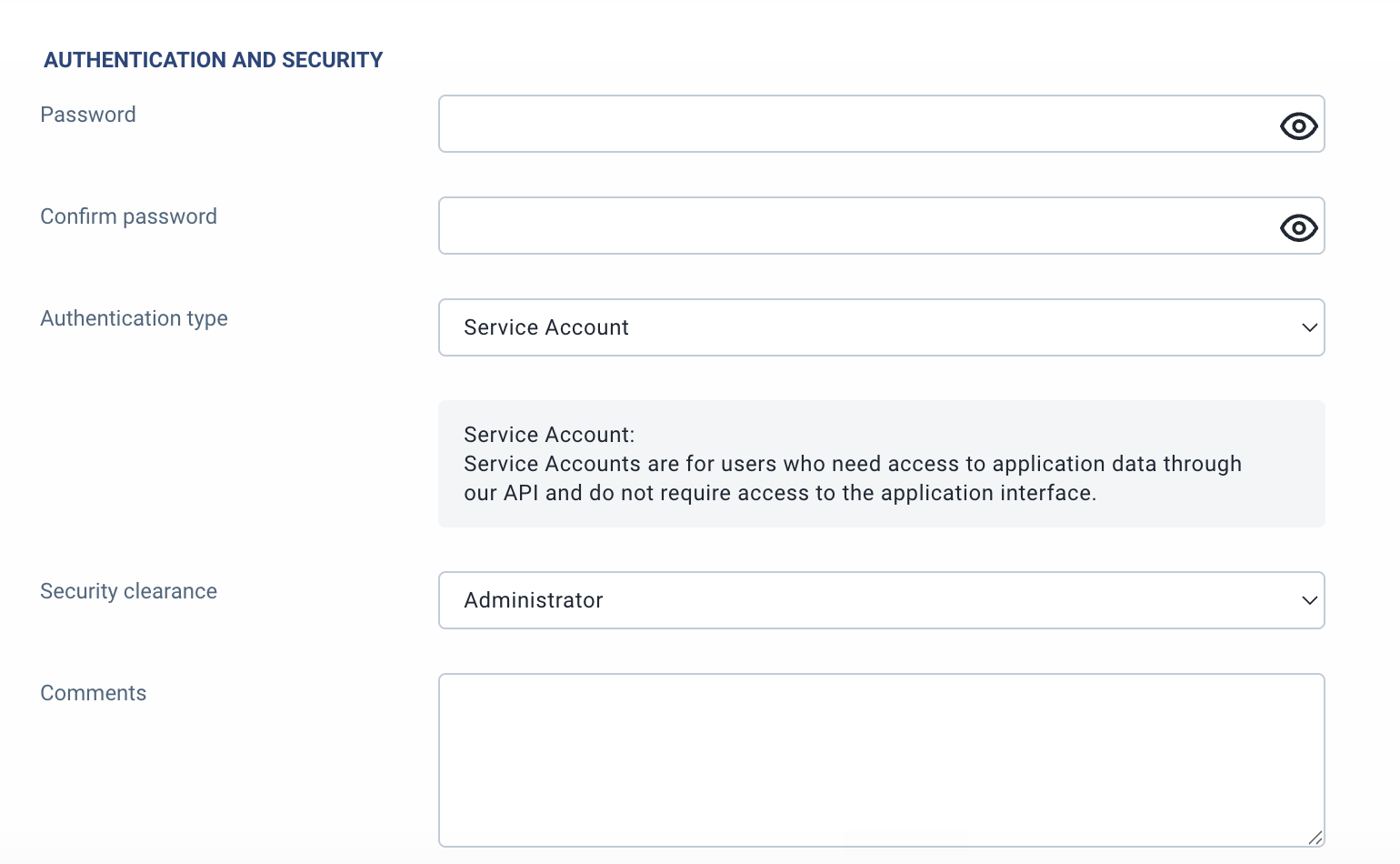
Enter password that you want, choose complex random password, and confirm. Make sure to remember the password for next steps.
Authentication type, pick: Service Account
Security clearance, pick: Administrator
You will need to send service account details to [email protected]
You will need to include: Your database name, and temporary password. it's recommended that you secure the password and not send it in plain text. You can use something like : https://password.link/en
If you have any issues in the process, just contact [email protected]
GeoTab Integration syncs and updates drivers, vehicles, trailers, and user every 15 minutes.
It also assigns and updates the driver’s default vehicle and trailer automatically. Either every 15 minutes or by driver launching DPB Driver from Geotab.
DPB Admin and DPB Driver are both SSO configured and do not require any logins, usernames, or passwords.
DPB Admin will give you all the functions and features that you need, like adding documents to drivers, vehicles, trailers, or company-wide.
DPB Driver will give the driver instant access to the documents for their default vehicle and trailer attached to them, also any driver-specific documents to that driver or company-wide shared documents.
if you have any questions or need help, you can also always access help within the DPB admin. If drivers need help, they can always access help in their driver app. also, our live chat is available in the app, or you can email [email protected]
