Go to Documents
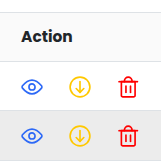
Use the Eye icon in the Actions column to view and edit a document.
You can also Download or Delete documents from the same menu.
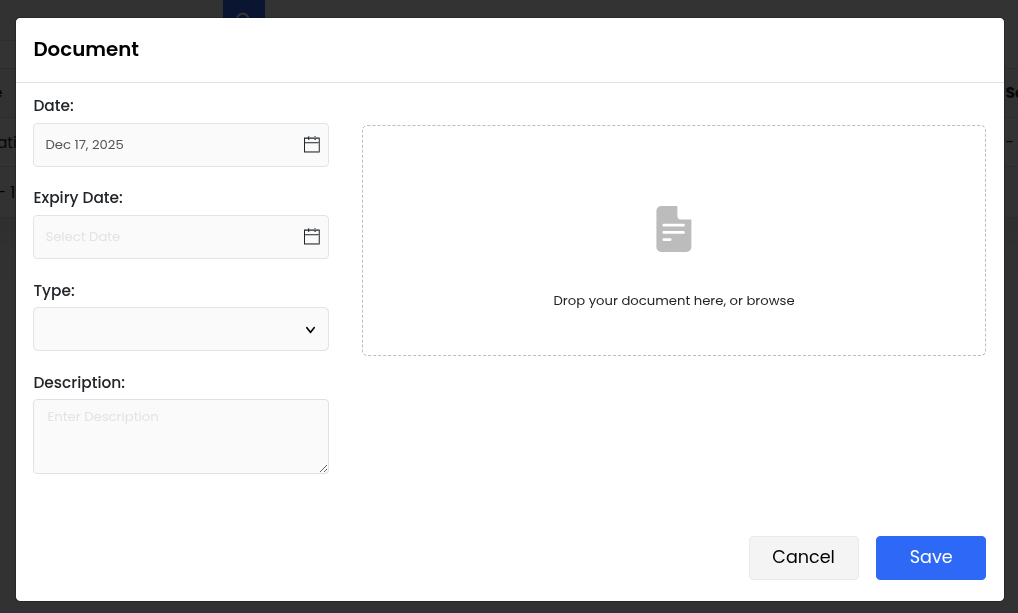
To add a new document:
Select the Date (default is today).
Set an Expiry Date if required.
Choose the Document Type.
Click Save.
You can perform actions on multiple documents at once:
Select one or more documents.
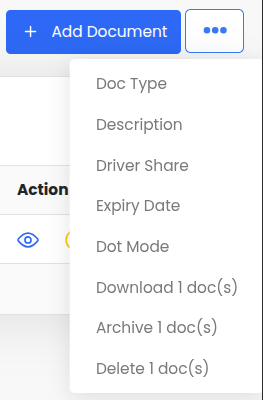
Click the three-dot menu in the top-right corner.
Select the required bulk operation.