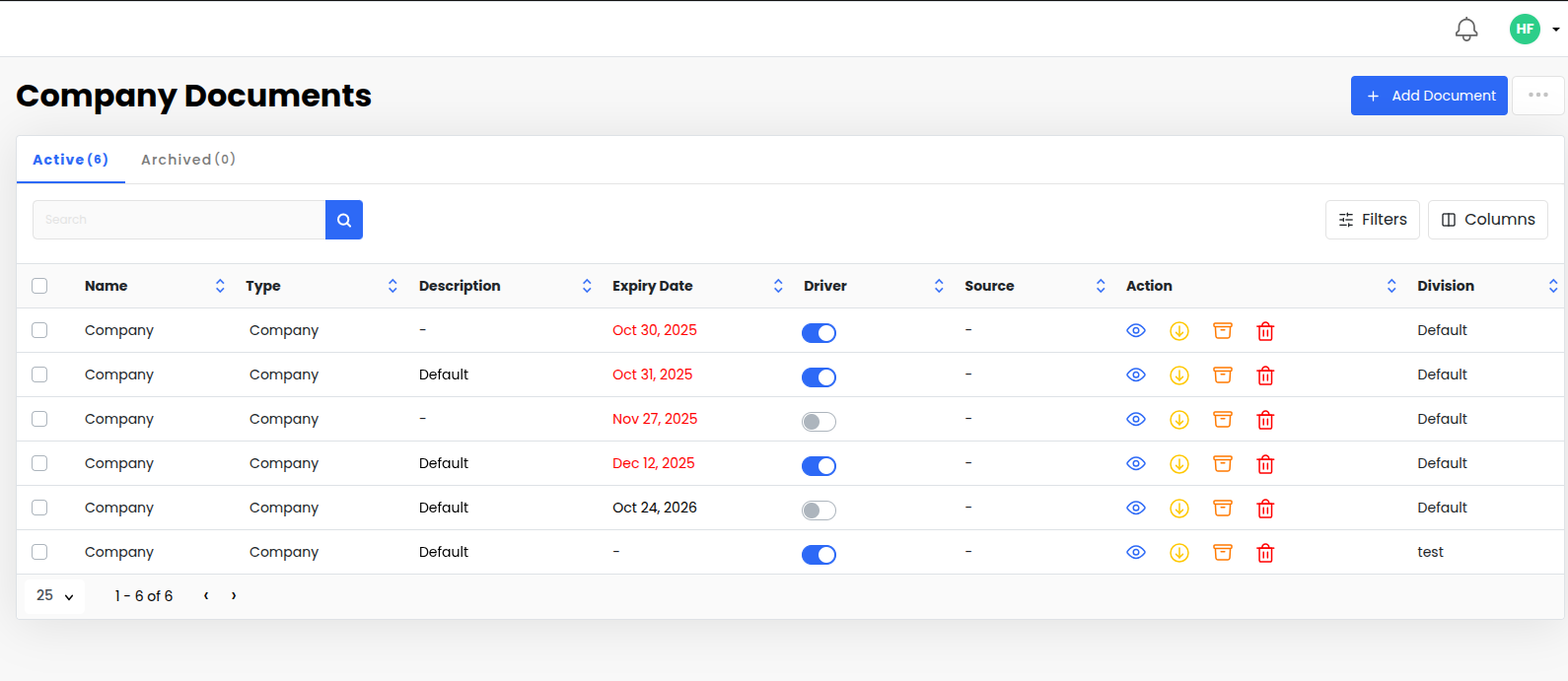
Go to Documents > Company.
View and manage all documents in the Company.
You can filter documents by Division.
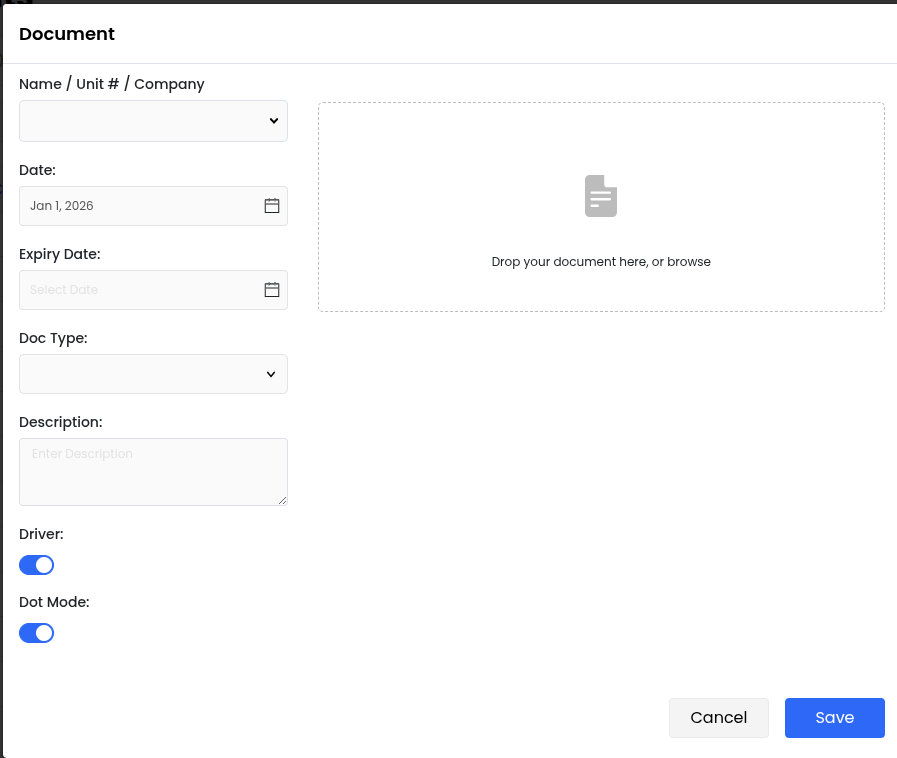
Add documents by:
selecting Name / Unit # / Company
Selecting Date (default = today)
Setting Expiry Date if needed
Choosing Document Type
Clicking Save
Click the eye icon to view or edit document details
Click the download icon to download the document
Click the trash icon to delete the document
