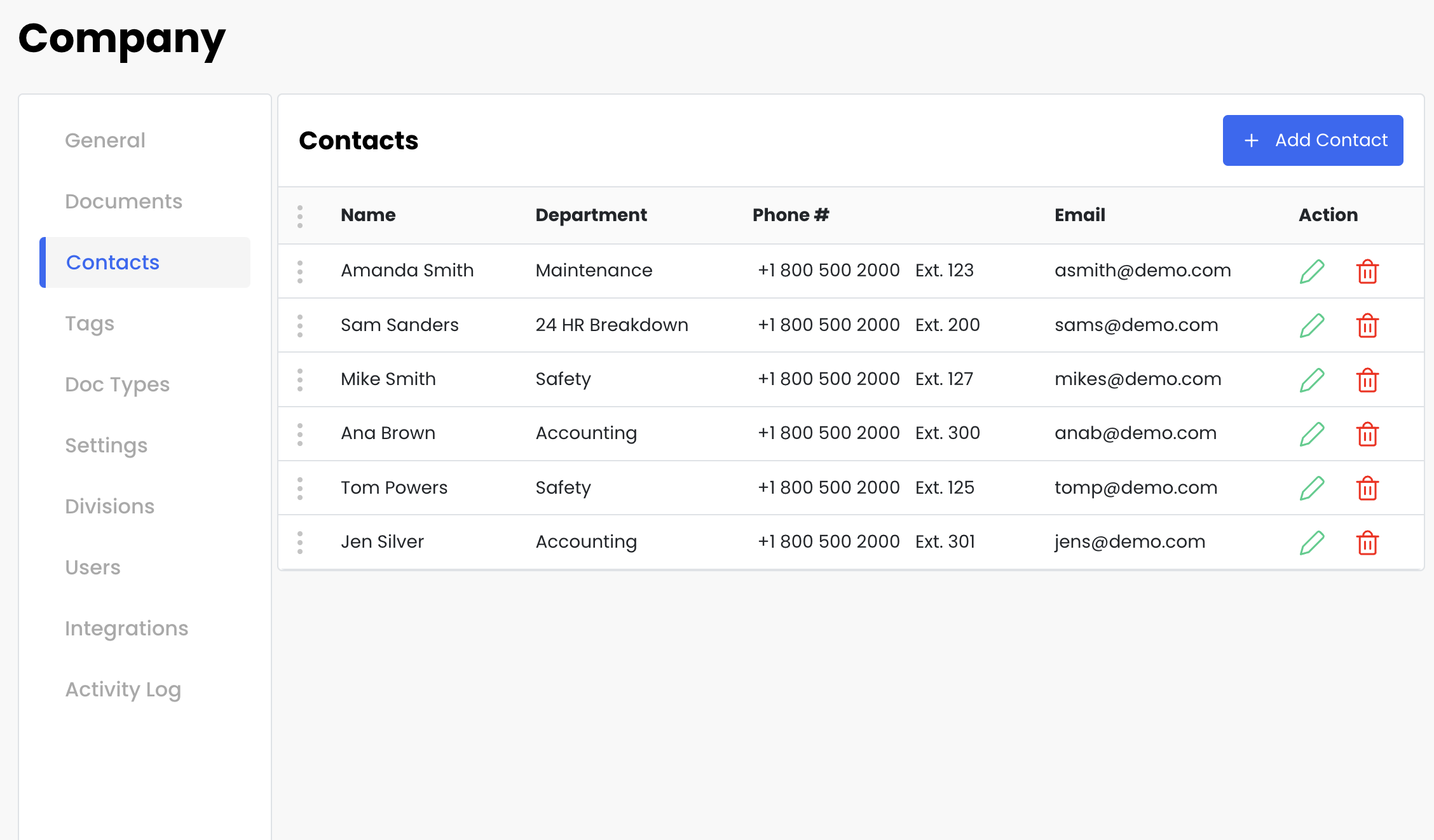
Go to Settings→ Contacts.
Add as many contacts as needed.
You can rearrange the order of contacts.
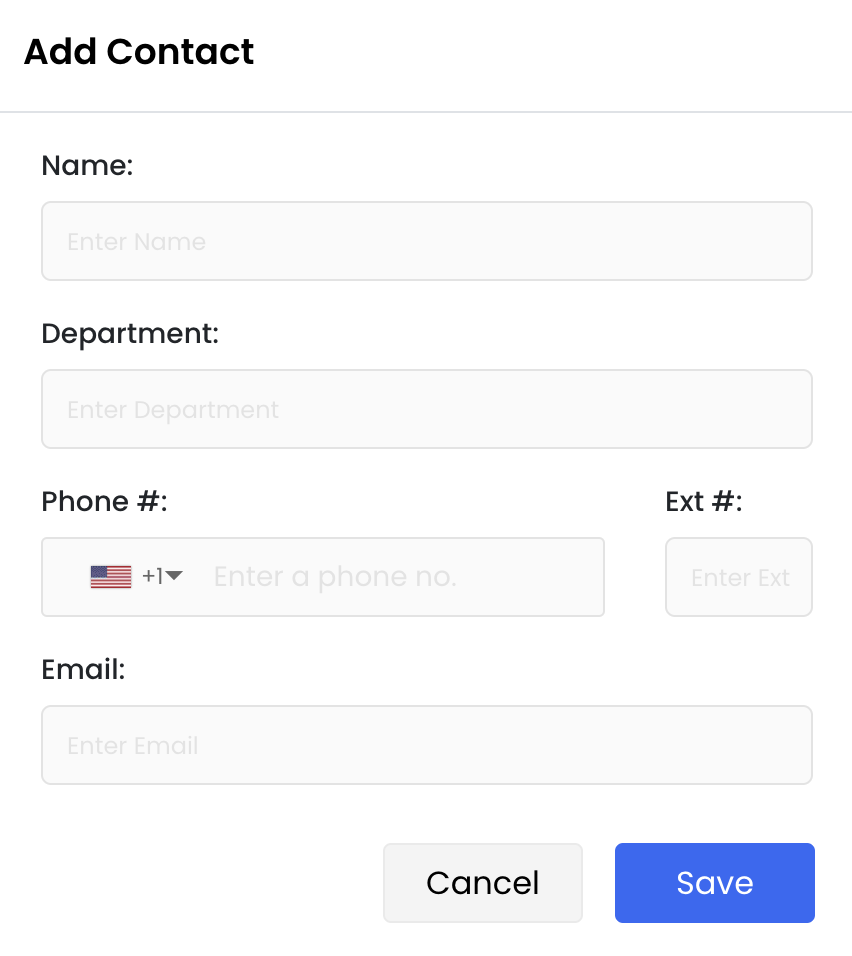
Enter any information you like.
If Contacts are set to ON in Settings:
All drivers can view these contacts in the Driver Mobile App.
Drivers can search by name or department.
